Students
Turn lecture PDFs and slides into flashcards, study with a memory model that knows what you'll forget, check maths step by step and build a bibliography in any citation style.
10 studios · 60+ tools · 0 uploads
Edit PDFs, write Word documents, fix Excel spreadsheets, clean CSV data, grade photos, build slides, study with smart flashcards, cite sources and solve maths — free, private and right in your browser. No sign-up. No watermarks. Works offline.

The studios
Each studio is a full application — the kind you'd normally pay a monthly subscription for — built to open real files, keep your work safe with autosave, and export to the formats everyone else uses.

A free alternative to Quizlet and Anki with the FSRS memory model, eight study modes and a planner that predicts your recall on exam day. Turn a PDF, Word file, slides or a photo of your notes into flashcards in seconds, in any of 107 languages.
APKG · CSV · PDF · DOCX · PPTX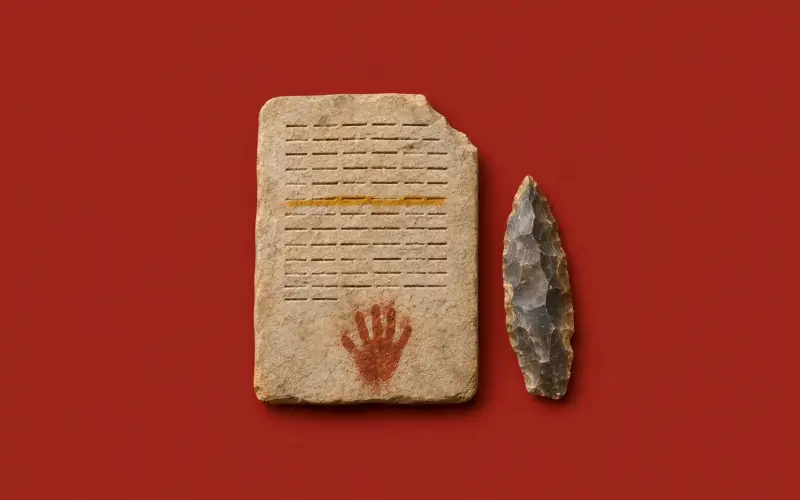
Read, annotate, sign, redact, merge, split, compress and convert PDFs without uploading them anywhere. Make scans searchable with OCR, protect files with a password and keep five documents open at once.
PDF · PNG · JPG · DOCX · XLSX



How it works
Drop a PDF, Word document, spreadsheet, image, slide deck or data file into a studio. It opens instantly because nothing is uploaded — your browser reads it directly.
Edit, annotate, calculate, clean, grade, study or cite with professional tools. Your work autosaves in your browser, with undo when you need it.
Export to PDF, DOCX, XLSX, PPTX, CSV, PNG and more, or install Cromagnon as an app and keep working offline. Sign in only if you want sync between devices.
Privacy by design
Most online tools ask you to upload a file to their computers, process it there and send it back. Cromagnon works the other way round: the software comes to your browser, and your files stay on your device. That makes it faster, safer for sensitive documents, and usable on a plane.
Since about 40,000 BC
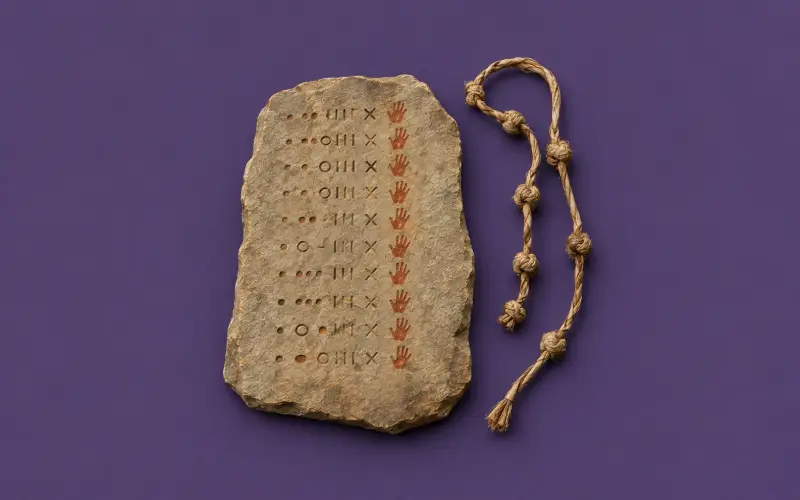
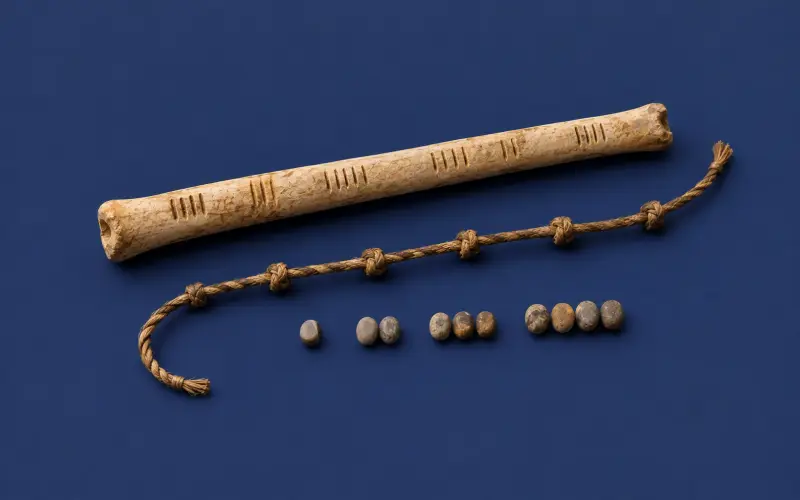
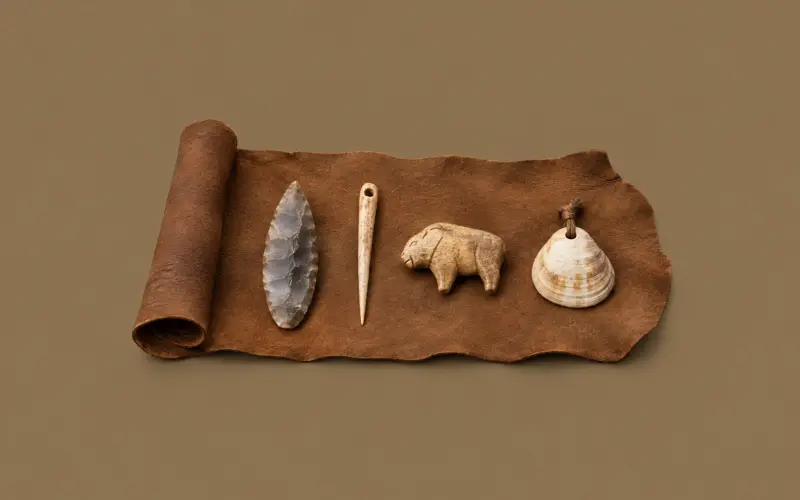
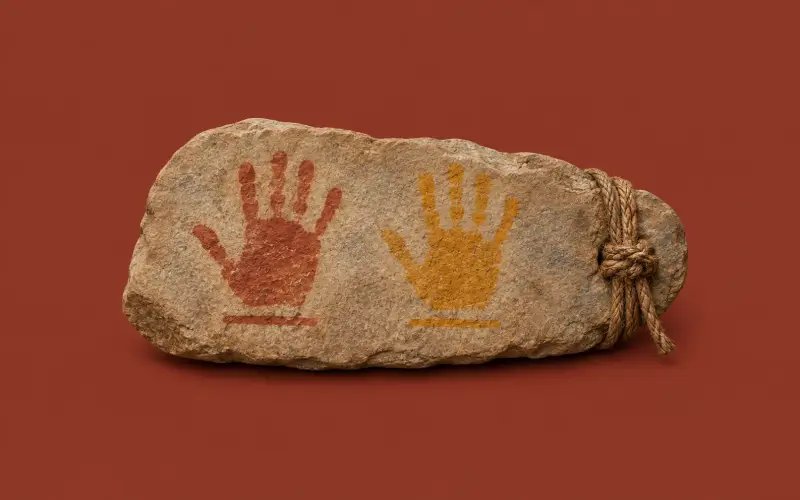
The first people painted hands on cave walls, counted on bones and shaped stone into tools. The work hasn't changed much: we still write, count, draw and share. Cromagnon just makes the tools free, private and quick, for everyone, everywhere.
Made for how you work
Turn lecture PDFs and slides into flashcards, study with a memory model that knows what you'll forget, check maths step by step and build a bibliography in any citation style.
Share decks with a class code and see who has studied, build slide decks, write worksheets as real Word files and turn any handout into a practice quiz.
Sign and redact contracts, fix spreadsheets with working formulas, clean customer exports and merge PDFs, without sending company files to someone else's server.
Format JSON, decode JWTs, test regular expressions and generate hashes with tools that make no network requests, so pasting a token or a customer record is safe.
Colour-grade product photos, compress images for the web, convert to WEBP or AVIF and export slides as images or video, all in the browser tab you already have open.
Why switch
For everyone, everywhere
Cromagnon is built for people in every country. Study Studio reads scanned pages, speaks and listens in 107 languages; text flows right-to-left for Arabic, Hebrew, Persian and Urdu; answer checking understands accents, vowel marks and full-width letters; and language names appear in your own language.
Quick tools
Latest updates
Add Cromagnon to your phone's home screen or your computer's taskbar straight from the browser — no app store, no download. Studios you've opened keep working offline, and your changes sync when you're back online.
Questions
Yes. Every studio and tool on this site is free to use, with no watermarks and no daily limits. A free account adds sync and 50 MB of cloud files. If a paid plan ever comes, it will only be for extras that cost money to run — what is free today stays free.
No. Files are opened and processed inside your browser, on your own device. Their contents are never uploaded unless you choose to sync your decks, publish a deck to the library or share with a class. For security, only file names, sizes and types are logged.
No. Everything works without signing up, and your work autosaves in your browser. A free account adds sync between devices, the public deck library and classes.
Yes. Install Cromagnon as an app from your browser, and the studios you've opened keep working with no internet connection. Changes sync when you're back online.
Yes. PDF Studio lets you annotate, highlight, add text and images, sign, redact, merge, split, reorder, compress, fill forms, protect with a password and make scans searchable with OCR.
Study Studio is free, imports your Anki and Quizlet decks, uses the FSRS memory model that modern Anki uses, has eight study modes and works offline on your phone.
Study Studio reads scans, speaks and listens in 107 languages, and every studio handles right-to-left scripts such as Arabic, Hebrew, Persian and Urdu.
Yes. Document Studio opens and saves real DOCX files, Excel Studio edits XLSX workbooks with working formulas, and Presentation Studio opens and exports PPTX decks.
More in the full FAQ.
Pick a studio and start — no account, no download, no cost.